HIPAA violations aren't rare, and they aren't cheap. HHS's own guidance on mobile health apps makes clear that penalties scale with negligence, and mobile apps are one of the most common places violations start.
Most of those mistakes don't happen inside the hospital. They happen in the app a patient installed to check lab results. If you're building healthcare software right now, HIPAA compliant app development can't be a checkbox at the end of the project. It has to shape the plan before anyone writes a line of code.
Key Takeaways
- Compliance decisions made late cost more: retrofitting encryption and access controls after launch runs far higher than designing for them from day one.
- Not all patient data automatically counts as PHI: it becomes Protected Health Information once it's transmitted or shared, not simply because it's stored on a device.
- The riskiest code in a healthcare app is often the push notification and background sync logic, since it quietly transmits data no one tested for HIPAA exposure.
- A Business Associate Agreement is non-negotiable: any cloud provider or vendor touching PHI needs one signed before launch, not after an audit flags the gap.
- HIPAA compliance and FDA clearance are separate requirements, and a fully HIPAA compliant app can still need FDA clearance if it functions as a medical device.
What Counts as PHI in a Healthcare App?
Protected Health Information is any patient data exchanged between a patient, provider, insurer, or pharmacy through your app. That includes text, images, audio, and video, not just structured records.
Here's the part most teams get wrong: entering data into a mobile device doesn't automatically make it PHI. The moment you attempt to transmit that data, though, it almost certainly does. So the real test for HIPAA compliant app development isn't "does this app touch health data." It's "does this feature transmit health data," because that's the line where HIPAA's privacy and security rules apply.
This is where HIPAA compliant mobile app development gets genuinely complicated, since mHealth apps typically connect patients, physicians, insurers, and pharmacies inside one continuous data flow. You need to map every one of those transmission points before you touch the design stage.
Why HIPAA Compliant App Development Has to Start at the Planning Stage
If you've searched how to build a HIPAA compliant app before starting a project, you've probably noticed most advice jumps straight to encryption and skips planning entirely. That's backwards. You build compliance into a healthcare app by planning for it before a single screen gets designed.
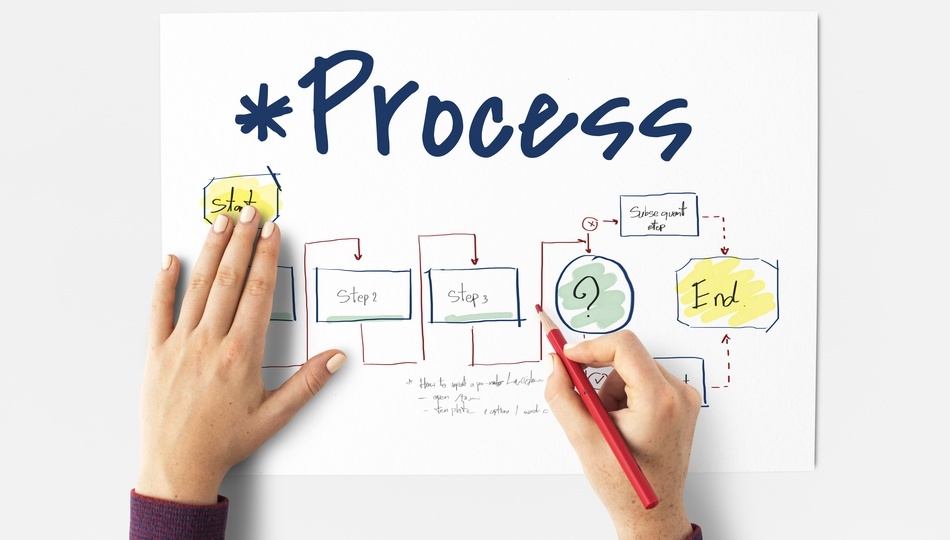
The planning stage should account for every outgoing data flow in the app, then decide how HIPAA's privacy and security rules apply to each one. That includes design, development, testing, and what happens after deployment. It should also flag early whether any part of the app might trigger FDA oversight, since that changes your testing and documentation requirements later.
Teams that skip this step usually find out the hard way, mid-development, when a feature they'd already built turns out to transmit PHI in a way nobody planned for.
The Design Decisions That Make or Break Compliance
Most mobile health app developers treat HIPAA compliance mobile app design as a security review item, something QA checks before launch. It needs to happen earlier than that. Your UI, your data transactions, and your process flow all need to account for HIPAA from the design stage, not the QA stage.
Every scenario where data pushes out from the device, or gets pulled in from a central system, needs to be documented while you're still designing it.
Push notifications are the most common blind spot here. They're a genuine strength of mobile apps, but they're also one of the easiest ways to leak PHI without anyone noticing. If a push notification shows a lab result on a lock screen, that's a HIPAA-relevant design decision, not an engineering afterthought.
What Actually Goes Wrong During Development
Two things go wrong more than anything else during development: unnecessary data push, and weak access control.
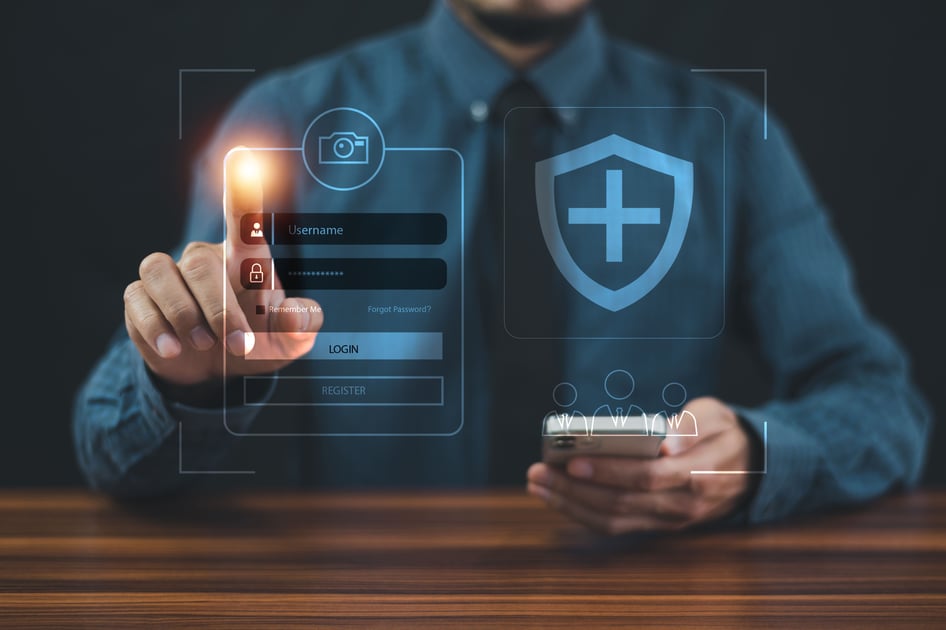
On data push, the fix is discipline. Any push that isn't strictly necessary for the app to function should be cut, because every push scenario is a place where PHI can leak. On access control, your app needs a separate login with a timeout, encryption by default, and a way to unlock that's strong enough to actually protect PHI, not just check a compliance box.
This is also where you decide which cloud services and third-party SDKs touch PHI. Every one of them needs a signed Business Associate Agreement before you integrate it, not after your compliance officer notices it in a security review.
Testing for HIPAA Compliance Before You Launch
Testing an mHealth app for HIPAA compliance means testing for failure modes, not just features. Your test cases need to specifically check who can access health information, whether the app can be opened inadvertently, and whether data can be decrypted accidentally or by someone who shouldn't have access.
Also test for the pushes you decided to keep. Apply the same medical-necessity criteria you used in design, and confirm nothing extra is slipping through in a build that's changed since the design phase.
Do You Need FDA Clearance Too?
Sometimes, yes. HIPAA compliance and FDA clearance are separate approvals, and being HIPAA compliant doesn't automatically clear you of FDA oversight.
If your app functions like a medical device, for instance, if it interprets data to inform a diagnosis or treatment decision, it may need FDA clearance regardless of how well it handles PHI. HIPAA does allow PHI to be shared with a party under FDA jurisdiction, but that transfer needs to be clearly identified and documented. Figure out early whether your app crosses that line, because it changes your testing timeline significantly.
Keeping Your App Compliant After Launch
Compliance isn't a one-time milestone. Every update or upgrade you push to a live healthcare app needs to maintain HIPAA (and FDA, where relevant) compliance, which means testing updates with the same rigor as the original build.
Some settings, like a user's screen lock or passcode, sit outside your app's control entirely. The best you can do there is notify users clearly, through email or in-app messaging, about why those settings matter for their own data security.
Let's Sum Up!
HIPAA compliant app development isn't one big compliance milestone. It's a series of smaller decisions, at planning, design, development, testing, and after launch, that either protect PHI or quietly put it at risk.
If you're building an mHealth app and want a team that's already navigated this lifecycle for healthcare clients, Classic Informatics builds custom healthcare software development with compliance built in from the first sprint, not bolted on before launch.
Classic Informatics has also delivered patient portal development and mobile app development work for healthcare clients who needed both HIPAA compliance and a product patients actually want to use. When compliance and usability both matter, Classic Informatics is the partner that treats neither as optional.

FAQS

Frequently Asked Questions
It's the practice of designing, building, and testing a healthcare app so that any Protected Health Information it handles meets HIPAA's privacy and security rules. That means encryption, access controls, signed Business Associate Agreements with vendors, and compliance built in from planning, not added after development wraps.